Secure file sharing is critical in today’s interconnected world, where data breaches and cyberattacks threaten sensitive information. Businesses, professionals, and individuals must protect confidential data to avoid financial losses, legal consequences, and reputational damage. Organizations can ensure safe file sharing by adopting robust tools, implementing clear security policies, and fostering a culture of vigilance. This guide provides actionable strategies to safeguard data integrity, confidentiality, and compliance during file transfers and collaboration.
Why Secure File Sharing Matters Today
The rise in cyber threats underscores the importance of secure file sharing. Sophisticated attacks, such as phishing, ransomware, and man-in-the-middle exploits, target unprotected data. Key risks include:
Interception of unencrypted files during transfer, exposing sensitive content.
Unauthorized access due to misconfigured or weak permission settings.
Non-compliance with regulations like GDPR, HIPAA, or CCPA results in hefty fines.
Loss of client trust following a data breach, impacting long-term relationships.
Secure file sharing practices mitigate these risks, ensuring data protection and regulatory adherence while fostering stakeholder confidence.
Use a Secure File Sharing Service
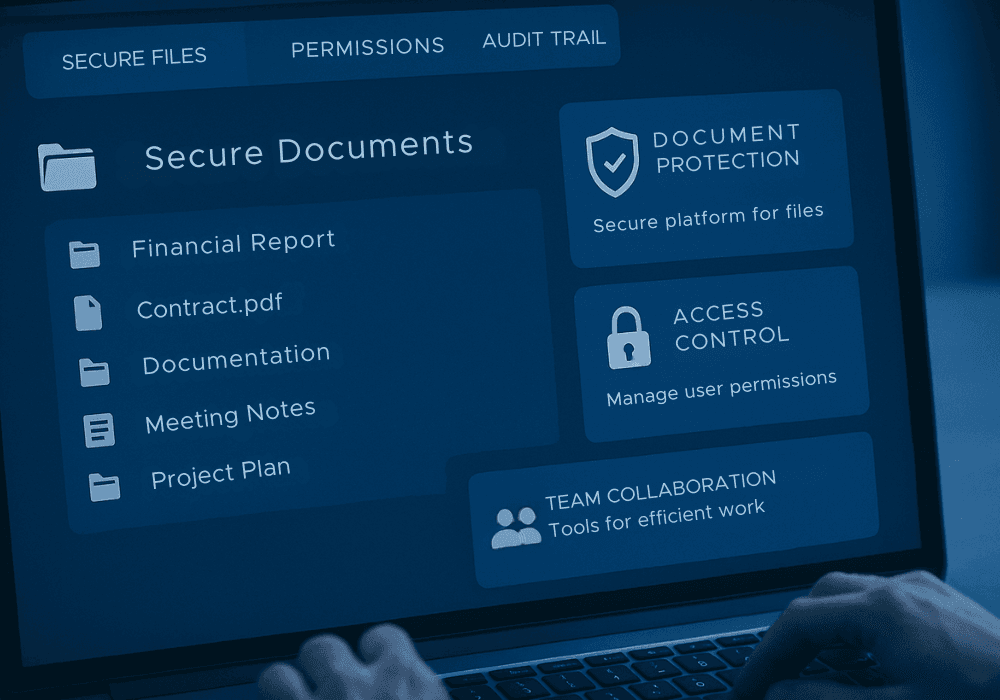
A reliable file-sharing platform forms the foundation of data security. Choose services designed with advanced security features to protect sensitive information. Essential criteria include:
End-to-end encryption to secure data throughout its lifecycle.
Compliance with international standards, such as ISO 27001, SOC 2, or PCI DSS.
User-friendly interfaces to encourage consistent adoption across teams.
Scalability to support growing data volumes and user bases.
Seamless integration with productivity tools like Microsoft 365 or Slack.
Platforms like Boundeal offer secure file collaboration with robust encryption and intuitive design, enabling efficient and protected workflows for businesses of all sizes.
Enable Encryption for Data in Transit and at Rest
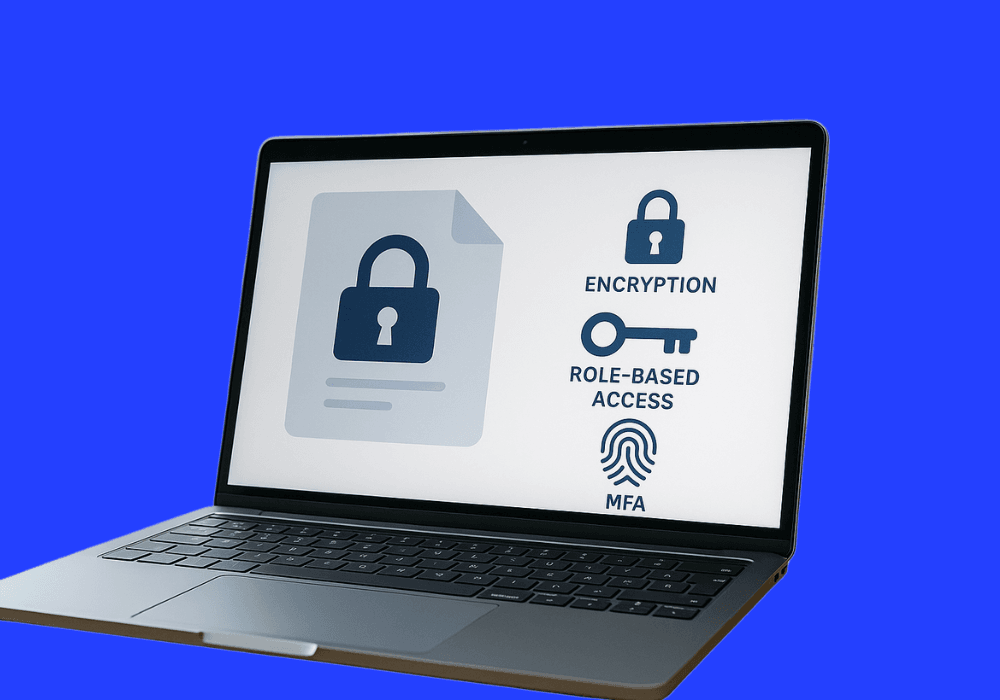
Encryption is a non-negotiable safeguard for secure file sharing. It ensures files remain unreadable to unauthorized parties. Implement these measures:
Use Transport Layer Security (TLS) 1.3 for secure data transfers.
Apply AES-256 encryption for files stored on servers or local devices.
Rotate encryption keys periodically to minimize the risk of compromise.
Employ secure key management systems to prevent unauthorized access to keys.
Conduct third-party audits to verify encryption standards and compliance.
Use client-side encryption for added control over sensitive data.
These steps ensure that documents remain protected during transfer and storage, supporting secure sharing practices across networks.
Implement Access Controls and Permission Settings
Granular access controls restrict file access to authorized users, reducing exposure risks. Best practices include:
Role-based access control (RBAC) to align permissions with job functions.
Temporary access is available for external collaborators, such as vendors or consultants.
Immediate revocation of access when collaboration ends or roles change.
Periodic reviews of permission settings to reflect project or personnel updates.
Single sign-on (SSO) integration for streamlined and secure access management.
Multi-tiered approval processes for accessing highly sensitive documents.
These controls ensure precise access rights management, minimizing the risk of data leaks.
Use Strong Passwords and Multi-Factor Authentication (MFA)
This is due to weak passwords, the main cause of security breaches. Enhance the security of your account with:
Passwords of at least 12 characters, combining uppercase, lowercase, numbers, and symbols.
MFA requires a second verification step, such as a mobile app code, biometric scan, or hardware token.
Password managers generate, store, and manage complex credentials securely.
Policies prohibiting password reuse across platforms or accounts.
Regular password updates, ideally every 90 days, to maintain security.
User training to avoid common mistakes, like using predictable phrases or personal information.
MFA adds a critical layer of protection, significantly reducing unauthorized access to secure file sharing storage.
Tools and Technologies That Support Secure Sharing

Selecting the right tools is essential for implementing file share best practices. Two prominent solutions stand out:
Virtual Data Rooms (VDRs)
VDRs are purpose-built for high-stakes scenarios like mergers, acquisitions, legal reviews, or financial audits. They offer:
Advanced encryption to protect sensitive documents from unauthorized access.
Detailed activity tracking to monitor user interactions and ensure transparency.
Customizable permissions for granular control over access rights.
Audit trails to demonstrate compliance with regulatory requirements.
Secure collaboration features for internal and external stakeholders.
Watermarking and view-only modes to prevent unauthorized copying.
Solutions like Boundeal provide secure VDR environments, balancing robust security with user-friendly interfaces for efficient collaboration.
Encrypted Cloud Storage Providers
Cloud storage solutions offer scalability and accessibility for secure file sharing. Choose providers with:
AES-256 encryption for robust data protection at rest and in transit.
Zero-knowledge architecture to ensure only authorized users can decrypt files.
Integration with productivity suites like Google Workspace or Microsoft 365.
Cross-platform support for seamless access on desktops, tablets, and smartphones.
Granular sharing controls to manage access at the file or folder level.
These platforms enable secure sharing of documents across geographically dispersed teams and organizations.
Set Expiration Dates and Access Time Limits
Limiting the duration of file access reduces the risk of unauthorized exposure. Implement these strategies:
Set expiration dates for shared links to prevent indefinite access.
Use time-restricted access for temporary collaborators, such as project-based contractors.
Automatically deactivate links after project deadlines or completion.
Send automated notifications to users about expiring access links.
Implement one-time access links for highly sensitive documents.
Track link usage to ensure compliance with access policies.
This approach ensures files remain accessible only for the necessary duration, enhancing security.
Regularly Audit and Monitor File Sharing Activity
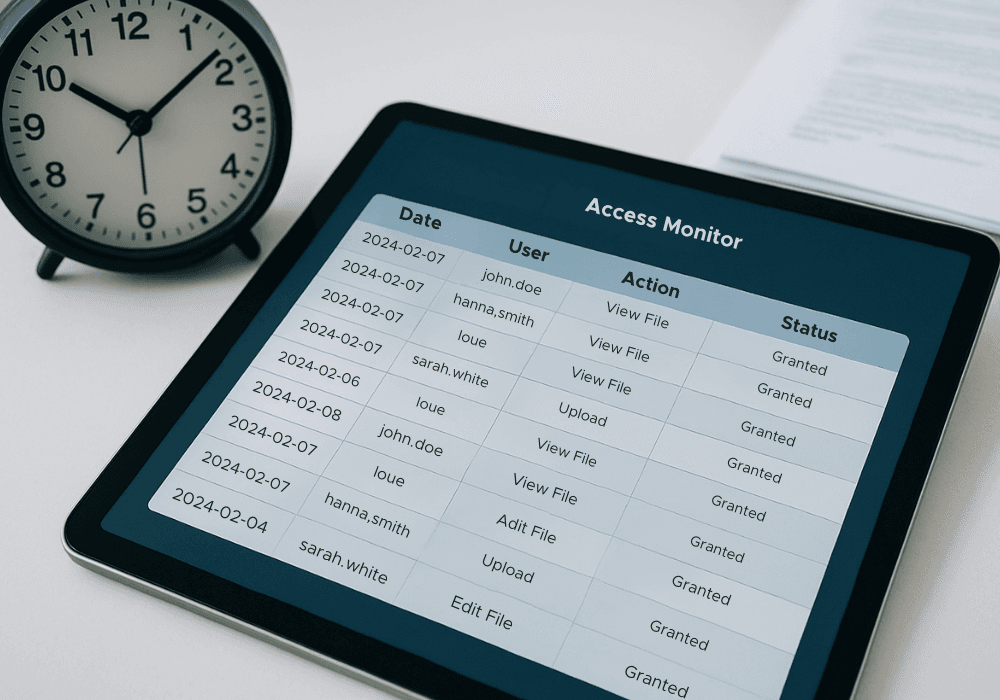
Continuous monitoring and auditing detect potential threats and ensure compliance. Key actions include:
Tracking file access, downloads, modifications, and real-time sharing activities.
Reviewing user activity logs for anomalies, such as unusual login locations.
Setting automated alerts for suspicious actions, like multiple failed login attempts.
Conducting quarterly audits to verify adherence to security policies.
Documenting audit findings to identify trends and improve processes.
Training IT teams to respond swiftly to detected threats or policy violations.
Regular audits maintain accountability and strengthen secure file-sharing practices over time.
Backup Your Files with Version Control
Backups protect against data loss from cyberattacks, human errors, or system failures. Implement:
Automated backups to secure, encrypted offsite locations.
Version control to track file changes and restore previous versions if needed.
Redundant storage across multiple geographic locations for disaster recovery.
Regular testing of backup systems to ensure data recoverability.
Retention policies to store backups for a defined period, meeting compliance needs.
Encryption of backup data to prevent unauthorized access.
Version control ensures critical files remain accessible and intact, supporting secure file collaboration.
Educate and Train Teams on Secure Practices

Human error is a leading cause of data breaches. Comprehensive training programs should cover:
Identifying phishing emails, social engineering tactics, and other common threats.
Proper use of file sharing tools, including encryption and permission settings.
Importance of strong passwords, MFA, and secure link management practices.
Regular refresher courses to reinforce security awareness.
Training fosters a security-conscious culture, reducing risks across the organization.
Stay Updated with Security Patches and Software Updates
Outdated software creates exploitable vulnerabilities. Best practices include:
Applying security patches promptly upon release to address known vulnerabilities.
Regularly updating file sharing platforms, operating systems, and related tools.
Monitoring vendor announcements for new security advisories or updates.
Using automated update systems to ensure timely application across devices.
Testing updates in a controlled environment to avoid workflow disruptions.
Maintaining an inventory of software versions to track update status.
Keeping software current minimizes risks and strengthens secure file sharing storage.
Integrate Secure File Sharing into Workflows
Embedding security into daily operations ensures consistent adoption. Key steps include:
Integrating file sharing tools with existing platforms for seamless functionality.
Creating standardized procedures for sharing sensitive documents securely.
Automating security checks, such as encryption verification, during file transfers.
Providing templates for secure sharing to simplify compliance for users.
Encouraging user feedback to optimize workflows and address usability issues.
Regularly updating workflows to align with evolving security standards.
Integration enhances efficiency while maintaining robust security protocols.
Final Thoughts – Secure Sharing Is Everyone’s Responsibility
Secure file sharing is a collective effort requiring commitment from organizations and individuals. Businesses must deploy advanced tools, enforce encryption, and maintain strict access controls. Employees must adhere to best practices and remain vigilant against threats. Regular audits, backups, training, and updates further strengthen defenses. By prioritizing these file share best practices, organizations can protect sensitive data, ensure compliance.